To create an online course from slides: (1) audit the deck so each slide is one self-contained concept, (2) generate AI narration scripts and edit for spoken delivery, (3) pick a neural/generative voice (or clone yours), (4) export 1080p MP4 modules of 5–12 minutes, and (5) upload to Teachable, Thinkific, Udemy, or your LMS. A 5-module course from existing workshop decks typically takes 5–8 hours with this path — not weeks of studio recording. Below is the workflow we used on a real 30-slide workshop deck.
I wrote this after turning a live workshop deck into a Teachable module with AI narration, then repeating the MP4 upload on Thinkific to compare lesson setup.
Why Slides Are the Right Starting Point (and What to Fix)
A well-structured slide deck is already the architecture of a course. Each slide is a concept. Each section is a module. The issue is that most slide decks were built for live presentation — bullets that a presenter would expand on verbally, visuals that make sense when someone is talking through them. Without the presenter, those slides leave gaps.
Before narrating, do a deck audit:
- One concept per slide. If a slide has four bullets worth a paragraph each, split it into four slides. Cramming content onto fewer slides made sense when you were presenting live; it hurts both narration quality and learner comprehension.
- Expand the bullets. Bullets are prompts for a presenter. For a course, they need to be complete thoughts that make sense without someone standing in front of them.
- Check the flow. Does each slide follow logically from the previous without a human presence to bridge them? Read through the deck cold — if you find yourself thinking "right, and then I would usually say..." that's a gap that needs to be on the slide.
- Remove presenter notes that became slides. Slides that say "Key takeaway: [long sentence]" were meant to be spoken, not read. Either turn them into actual content slides or cut them.
This takes 30–60 minutes for a typical 30-slide deck. It improves both narration quality and learner experience significantly — it's time well spent before touching any audio tools.
Generating Narration
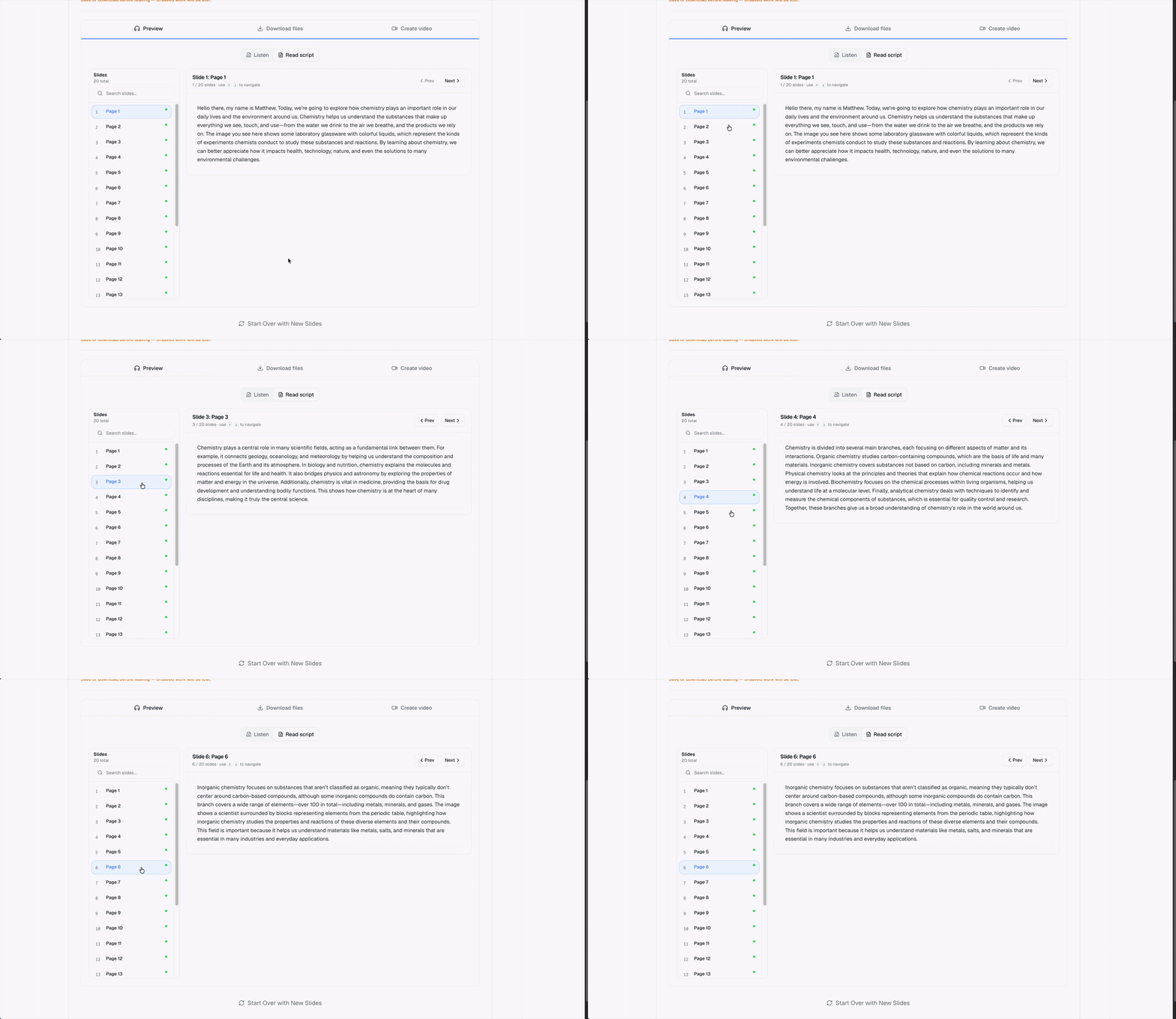
Upload the revised deck to an AI narration tool. The AI generates a narration script for each slide based on the content. For content-rich decks, these scripts are usually 80–90% accurate on the first pass. The 10–20% you need to edit is typically:
- Technical terms the AI interprets too literally or mispronounces
- Transitions that feel abrupt — the AI doesn't carry context between slides as well as you do
- Branded terminology or internal phrasing unique to your organization
- Anything where the right explanation requires context the slide itself doesn't provide
Edit slide by slide, then choose a voice. Neural or generative voices are appropriate for most courses. If you've built an audience that knows your voice — students who've taken previous courses from you, clients who recognize your style — clone it. The continuity matters for retention in a way that's easy to underestimate.
Structure for Learner Completion
Courses live and die by completion rates. The content can be excellent and still fail if the structure works against the learner.
Module length
5–12 minutes per module is the research-backed sweet spot for e-learning. That range corresponds to a natural attention window and a single bathroom break opportunity — both matter more than they sound. Break long topics across multiple modules rather than creating 30-minute chunks that people abandon halfway through and never return to.
Learning objectives
The first slide of each module should state what learners will know or be able to do by the end. This is good pedagogy, and it also helps practically: learners who know what a module covers are more likely to decide it's worth watching. It also improves reviews — learners can articulate what they got out of each section.
Knowledge checks
Platforms like Teachable let you add quizzes between modules. A knowledge check after every 3–4 modules improves retention and signals to the platform that learners are engaging — which matters for algorithm-driven discovery on marketplaces like Udemy.
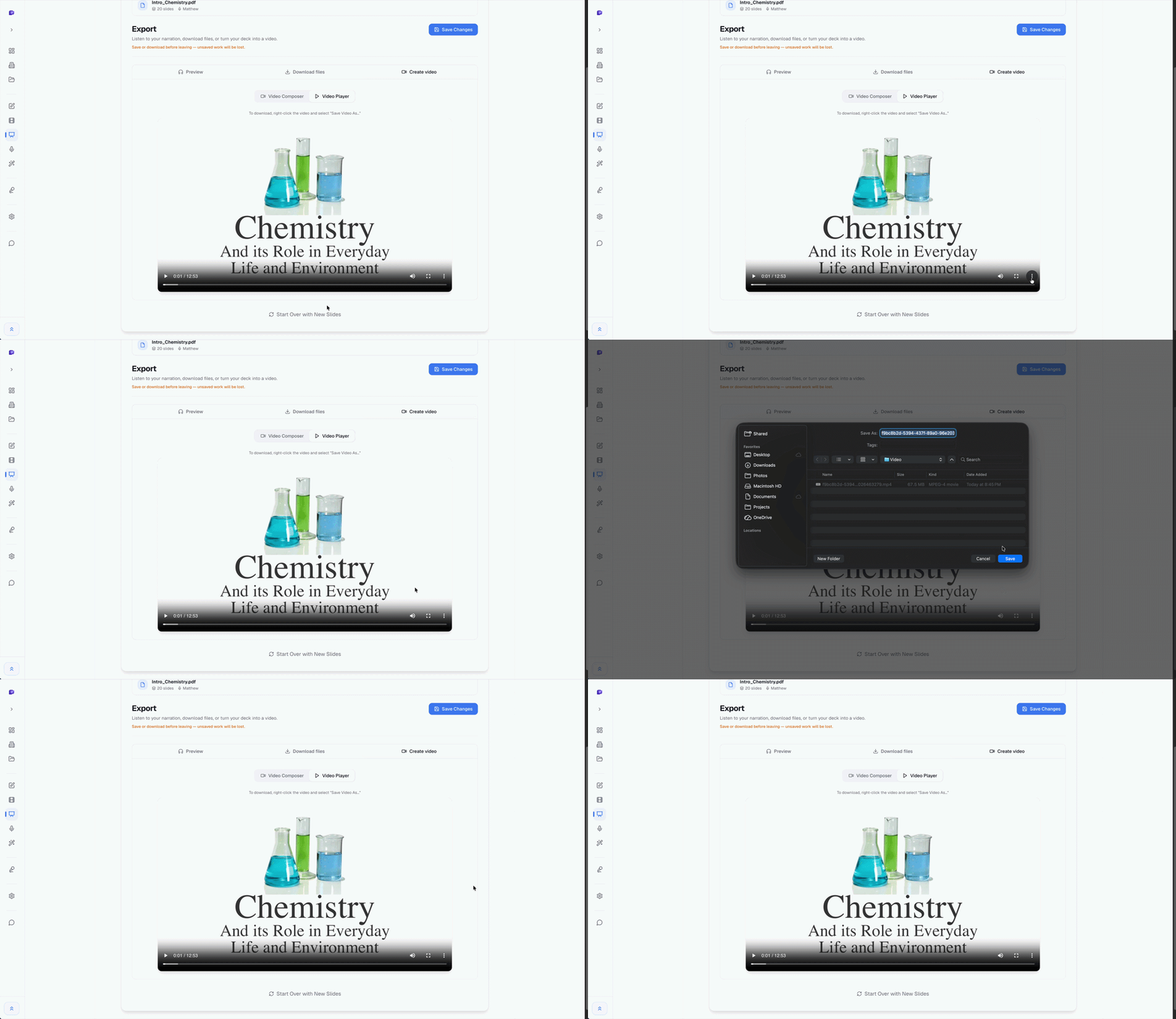
Exporting for Your Platform
| Platform | Notes |
|---|---|
| Udemy | Direct MP4 upload. 1920×1080 minimum. Audio quality review is part of the approval process. |
| Teachable / Thinkific | Direct MP4 upload to the lesson editor. Both support chapters and drip scheduling. |
| Google Classroom / Canvas | Upload to Drive or the LMS video library, then embed. Check file size limits for your institution. |
| Your own site | Host on Vimeo (private) or Wistia and embed. Avoid YouTube for paid courses — too easy to share and monetization conflicts are messy. |
The Materials People Actually Use
The narration scripts most AI tools generate can be exported as written content. For a 30-slide module, that's a complete transcript and a functional study guide — essentially for free, as a byproduct of the production workflow. Learners who prefer reading or who need accessible formats get a meaningfully better experience. You also end up with a body of written content that can become blog posts, email sequences, summaries, or reference documents. A 5-module course generates enough written content for a month of marketing material if you're inclined to use it that way.
A Realistic Timeline
For a 5-module course, roughly 25–30 slides per module:
- Deck audit and revision: 2–3 hours
- Script review and editing: 1–2 hours
- Voice selection and audio generation: 30 minutes
- Export, upload, and platform setup: 1–2 hours
- Total: 5–8 hours
Compare that to a record-yourself workflow: 5–8 hours of recording alone, plus editing time, plus the re-recording sessions when a slide changes or you flub a technical term. The AI narration approach cuts production time roughly in half for the same output quality — and the maintenance story is dramatically better when you need to update content six months later.
Frequently Asked Questions
- What's the best platform for selling online courses?
- For new course creators: Teachable or Thinkific if you want to control your own audience and pricing, Udemy if you want built-in discovery and don't mind the marketplace cut. The right choice depends heavily on your existing audience size and whether you're doing your own marketing.
- How long should an online course be?
- Completion rates drop significantly past 3–4 hours of total content. Cover one specific, well-defined outcome per course rather than trying to be comprehensive. A focused 2-hour course that people finish and apply outperforms a thorough 8-hour course that most people abandon.
- Can I use AI-narrated videos on Udemy?
- Yes. Udemy's content guidelines require audio that's clear and professional — AI narration at neural or generative quality meets this bar. The key is that the audio needs to sound like it was produced intentionally, not like an automated read of cluttered slide text.
- Do I need to show my face on camera?
- No. Slide-based courses without talking head footage perform well — particularly in technical, professional development, and corporate training categories. The content and narration quality matter far more than whether the instructor appears on screen.
Related guides
- How to add narration to a PowerPoint — the narration workflow before you publish modules
- How to convert PowerPoint to MP4 with audio — getting a platform-ready file with narration synced to slides
- Best PowerPoint to video tools in 2026 — which tools fit course creators vs general video tools
Ready to turn your slides into a course?
SlideNarrator exports Full HD MP4 ready for Teachable, Thinkific, Udemy, and most LMS platforms. Free tier available.
Get started free →Written by
Sunny
Founder, SlideNarrator